
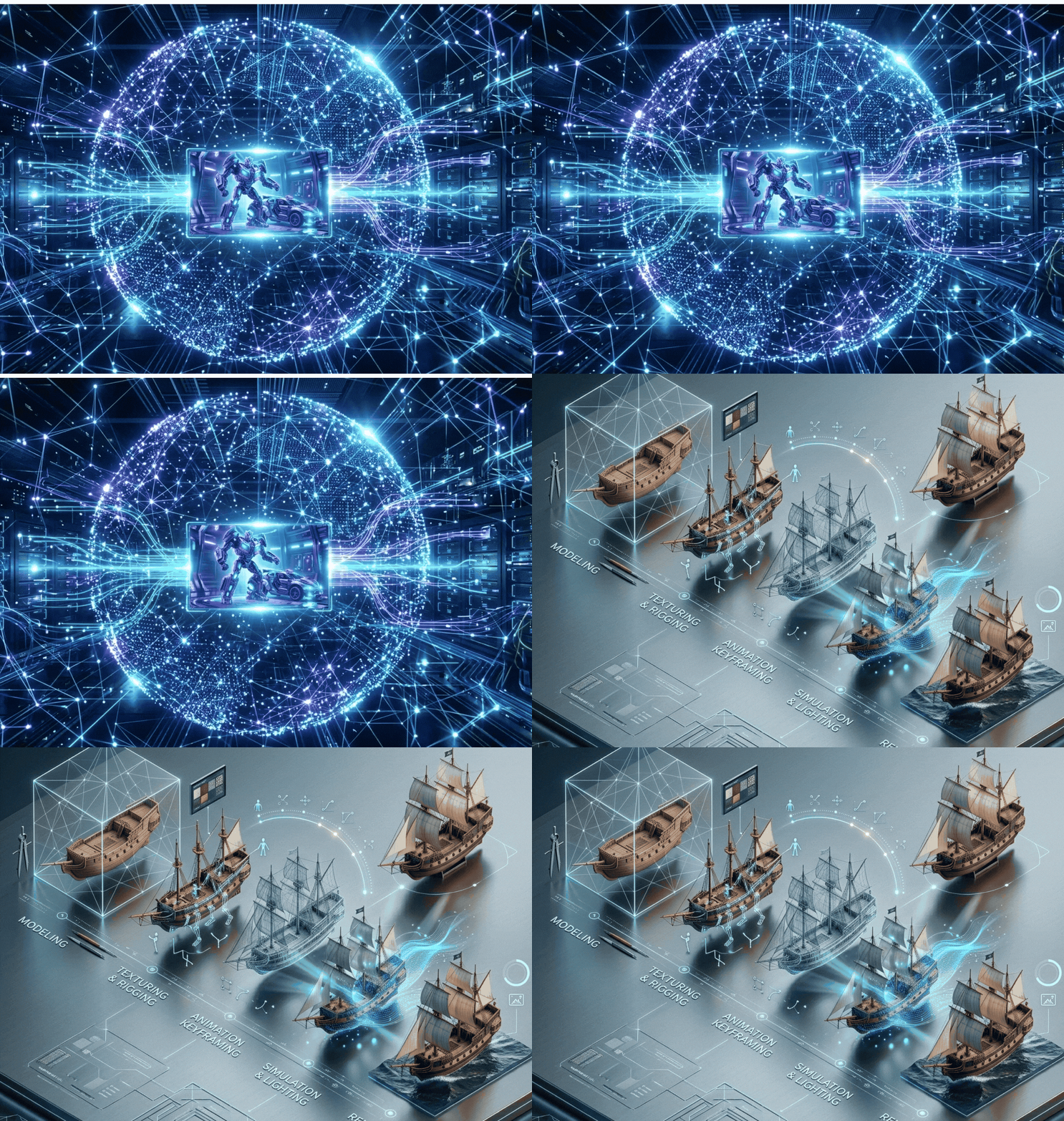
Table of Contents:
Animation for Beginners
It is easier to get into Animation Service today than ever before.Software is more accessible (many are free), and most modern computers can handle basic animation tasks, especially in 2D.The challenge is that while anyone can start, mastering animation takes time and practice.The good news is—you don’t need to be a studio-level animator to create something great. Start simple, build your skills, and develop your own style over time.
What is Animation?
Animation is the art of bringing life to inanimate objects, illustrations, or 3D-generated characters.It works by displaying a sequence of images rapidly to create the illusion of motion.But beyond the technical definition, animation is really about bringing life and emotion into your work.Whether through drawing, 3D rigs, or physical objects like puppets, the goal is always the same—make things feel alive.
Animation Vocabulary
Before you begin, it’s important to understand some basic terms used in animation:
- Timeline – Controls the progression of your animation over time
- Frame Rate (FPS) – Usually 24 frames per second
- Keyframes – The main poses that define movement
- In-betweens – Frames between key poses that smooth motion
- Timing & Spacing – Control speed and realism
- Onion Skinning – Lets you view multiple frames at once
- Compositing – Combining all elements into a final scene
The 12 Principles of Animation
The foundation of animation comes from the 12 principles developed by Disney animators.These principles help create believable motion, weight, and personality.They include concepts like squash and stretch, anticipation, timing, arcs, and appeal.While originally developed for 2D animation, they apply to all forms, including 3D Animation and Motion Graphics.
Types of Animation
There are several main types of animation, each with its own workflow:
3D Animation
Also known as CGI, this is widely used in films, games, and visual effects.Animators use digital rigs to control characters and define movement.Includes traditional hand-drawn animation and modern digital techniques.It can be frame-by-frame or rig-based.
Stop Motion Animation
Uses real-world objects photographed frame by frame.This includes claymation, puppets, and even LEGO animations.
Motion Graphics
Focuses on animated text, logos, and visual elements, commonly used in commercials and explainer videos.
The Process of Animation
Creating animation involves several key stages:
- Story – Develop a strong idea
- Script – Turn the idea into words
- Storyboard – Plan scenes visually
- Animatic – Create a rough timed version
- Asset Creation – Build characters and environments
- Animation – Bring everything to life
- Rendering & Compositing – Final visuals
- Editing & Sound – Polish the final output
The 6 Steps of Animation
When animating a scene, the process usually follows these steps:
- Reference – Study real-life movement
- Key Poses – Create the main positions
- Blocking – Add breakdown poses
- Splining – Smooth the motion
- Refining – Adjust timing and curves
- Adding Life – Add small details and realism
Animation Software
3D Animation Software
- Blender (free and powerful)
- Autodesk Maya (industry standard)
- Cinema 4D (great for motion graphics)
2D Animation Software
- Adobe Animate
- Toon Boom Harmony
- After Effects
- Character Animator
- Stop Motion Software
- Dragonframe
- Stop Motion Studio
Getting Into the Animation Industry
To start a career in animation, focus on three key things:
- A strong demo reel
- A professional portfolio website
- Consistent practice and improvement
In animation, your work matters more than your qualifications. Keep creating, improving, and sharing your work.Animation is a journey that takes time and dedication.While the tools are more accessible than ever, success comes from consistent effort and creativity.Start small, stay patient, and most importantly—keep animating.
Ready to start your animation journey or take your skills to the next level?
Whether you’re a beginner exploring the basics or a business looking for Professional Animation Services, we’re here to help as a 3D Animation Company in Malaysia Our team works with industry-standard tools like Blender, Autodesk Maya, and Adobe After Effects to create engaging and high-quality animations tailored to your needs.
Have questions about getting started with Animation Company Malaysia, choosing the right software, or producing your own animation project? Get in touch with us today as an outstanding Animation Service Malaysia for expert advice, support, or collaboration opportunities.