How to Be an Expert Using Cinema 4D?
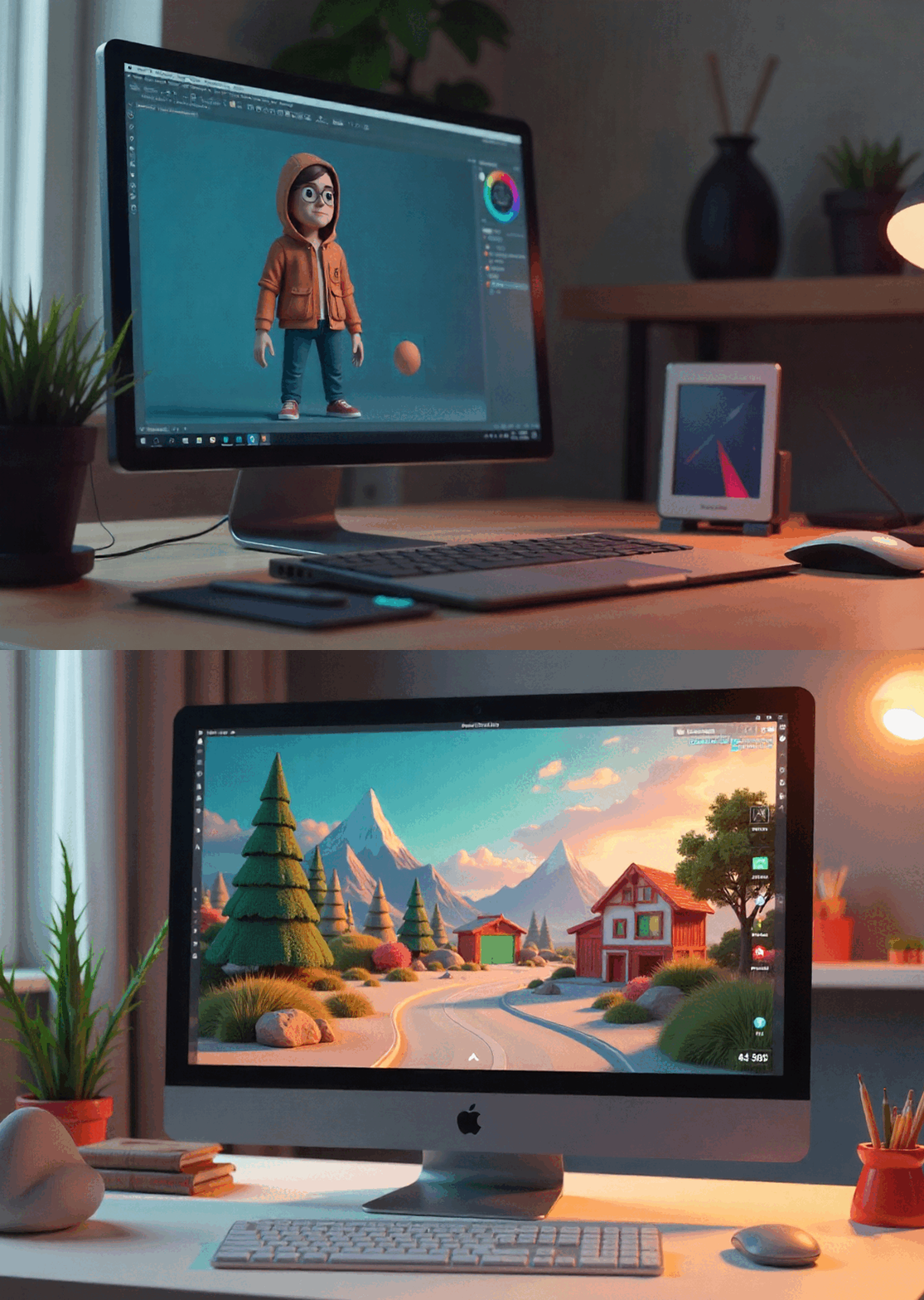
Creating a 3D character model is a fusion of art and technology, combining creativity with digital expertise. With Cinema 4D’s
3D Character Modeling tools, artists can create realistic, expressive figures that can move, act, and tell stories in films, games, and animations. The approach transforms a simple drawing into a fully animated digital avatar by combining imagination, sculpting skills, and technological expertise. Anyone can turn a concept into a vivid 3D model character that feels real if they take the right steps and pay attention to the details.
The Components of a Great 3D Character
A clear idea is the first step towards creating a good
3D Character. Before beginning Cinema 4D, artists typically create elaborate sketches or digital drawings that depict the character’s personality, posture, and overall appearance. This process determines the model’s size, shape, and emotional tone to ensure that it complements the tale or animation in which it appears. In 3D modelling, these designs serve as the blueprint for all subsequent processes.
After the concept has been established, Cinema 4D imports reference photographs. As the artist begins to construct the model’s essential geometry, these help them determine the appropriate proportions and shapes. Keeping the idea consistent during this stage helps you maintain the desired style, whether the 3D character is realistic, stylised, or based on cartoons.
Creating the 3D Model Character in Cinema 4D
The initial stage in Cinema 4D modelling is to create simple shapes such as cubes, spheres, and cylinders. Extrusion, subdivision, and sculpting transform these simple shapes into more complex structures. The goal is to create a clean, efficient mesh with the right topology. This will help the animation run more smoothly later on.
Artists typically begin with the head or torso and move on to the arms, legs, garments, and accessories. It is critical to pay attention to topology during this time. A 3D model character requires edge loops and polygon flows to appear to move like muscles and skin. This ensures that the model is properly set up and animated.
3D character modeling requires both accuracy and originality. To make sure the model looks natural and works well for animation, artists have to constantly find a balance between technical structure and artistic expression. This procedure is easier with Cinema 4D’s easy-to-use tools, which let artists add intricate features without slowing down. This balance is what makes 3D character modeling so fun: every edge, curve, and proportion helps to produce a character that is both real and one of a kind.
Making the Details Even Better
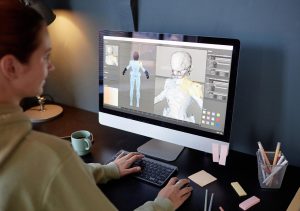
Once the foundation mesh is complete, Cinema 4D’s sculpting tools add minute details to the model to make it appear realistic. Wrinkles, folds, and other surface textures are used to give the character a more realistic and three-dimensional appearance. Sculpting can also highlight specific qualities, giving the model greater personality and emotional weight.
At this stage, some artists prefer to combine Cinema 4D with different sculpting programs. They export the model to get high-resolution information and then import it back. No matter how you approach it, the goal remains the same: to develop the
3D Character Model so that it looks and feels nice from all angles.
Setting Up for Animation
Rigging is the process of creating a digital skeleton that allows the character in the 3D model to move. In Cinema 4D, joints and controls are included in the mesh, allowing animators to adjust the model’s limbs, facial expressions, and movements. When you properly rig a model, each part moves and bends in a natural manner, maintaining the appearance of life.
This step also includes weight painting, which assigns a specific amount of influence to each bone. A well-rigged 3D character not only moves smoothly, but also maintains its shape as it moves. This is an essential phase for any type of animation, whether for films, games, or visual effects.
Adding Materials and Rendering
Following rigging, the character must be outfitted with materials, texturing, and lighting to achieve the desired appearance. Shaders and textures in Cinema 4D make skin, cloth, and other surface qualities appear realistic. Artists experiment with various lighting settings to emphasise the model’s shape and characteristics.
Rendering is the final process, in which everything comes together. The figure is put in a scene, lit, and photographed in a realistic or stylised manner, depending on the artistic goal. A decent render may make a
3D Model Character appear realistic and ready for production.
Putting it All Together
Making a 3D character model in Cinema 4D is a journey that combines creativity, technical skills, and storytelling. Every stage, from the first drawing to the final render, contributes to the creation of a digital figure that appears lifelike and is capable of self-expression. Artists may create characters that appear and feel alive and ready to perform if they understand how modelling, sculpting, rigging, and rendering all interact.
If you want to learn more about 3D modelling and animation or need assistance creating your own 3D character,
Contact Us immediately.