
Table of Contents:
- How To Make 3D Animation Videos?
- How To Create A 3D Animation Video On Your Own?
- Which Software Is Best for Creating A 3D Animation Video?
- Can AI Create 3D Animation Videos?
- How Long Does the 3D Animation Process Take?
- How Much Does It Cost to Make A 3D Animation?
- Conclusion: Final Thoughts On The 3D Animation Workflow
- Looking to Create Stunning 3D Animation Videos for Your Business Or Personal Goals?
How To Make 3D Animation Videos?
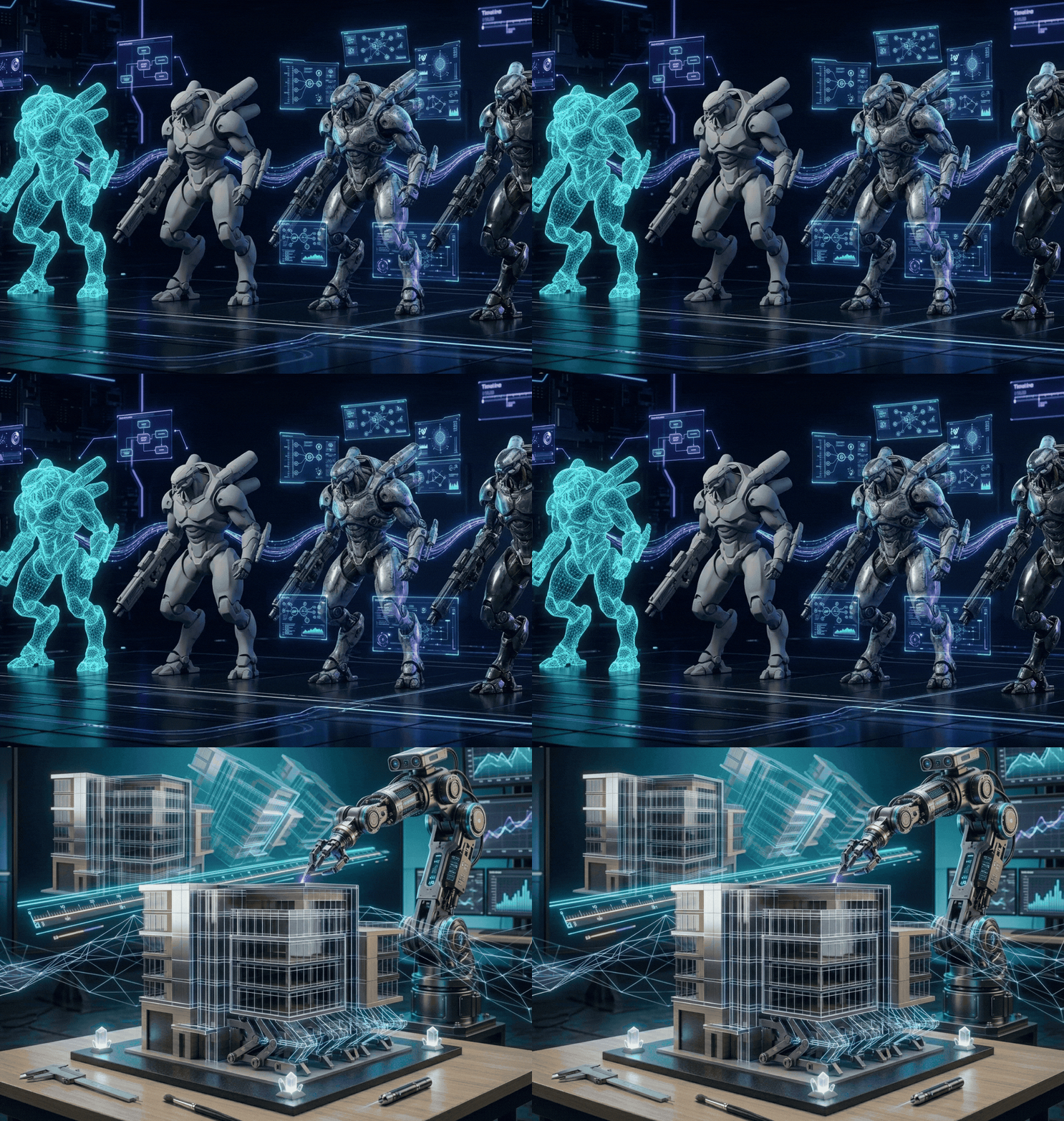
Creating 3D Animation Videos involves more than just watching them.The entire process includes several key stages, starting from initial planning to the final result. Some of these stages, like storyboarding or sound design, are similar to 2D animation, but 3D Animation Product requires extra steps such as modeling, rigging, lighting, and rendering. Tools like a video annotation service can help manage the workflow by labeling scenes, tracking changes, and saving time without compromising clarity.
Step 1: Concept
The concept is the starting point of every 3D animation. For personal projects, it sets the storyline, characters, and environment. For businesses, it identifies the audience and the main message. Studios like Pixar invest a lot of time in researching and developing their concepts to ensure they are accurate and engaging. Once the production starts, changes can increase the cost significantly, so having a strong concept before beginning is very important.
Step 2: Storyboarding
Storyboarding helps animators plan the scenes, actions, camera angles, and the overall look of the animation. Each frame is drawn to give a visual guide for the production process. Storyboards act as a blueprint, helping to organize the sequence of events and avoid confusion during production
Step 3: 3D Modeling
In this step, objects and characters are created using digital tools like Autodesk Maya, ZBrush, and Blender. The 3D models are initially built with basic shapes, which are later refined to form complex and detailed versions suitable for animation or marketing visuals.
Step 4: Texturing
Texturing gives the models a realistic appearance by adding details such as skin, fabric, metal, or fur.Texture artists apply these layers to make the models look more lifelike and visually appealing. This is especially important in product videos to make the brand items look polished and authentic.
Step 5: Rigging and Skinning
Rigging involves setting up the internal structure of a model, such as a skeleton, enabling realistic movement.Skinning then applies the outer layer to the rig, allowing it to move smoothly and naturally. Together, rigging and skinning help create lifelike animations of characters and objects.
Step 6: Animation
This is where animators bring the models to life. It involves setting the movement, timing, fluidity, and expressions. Animation can be done using frame-by-frame techniques, keyframes, or motion capture. Product animation focuses more on precision, while character animation emphasizes expressiveness and timing.
Step 7: Lighting
Lighting plays a crucial role in making the animation look realistic and setting the mood.Proper lighting can highlight important elements and make the scene feel more natural. In marketing videos, lighting is essential to showcase products and convey the intended emotions. Special effects such as glowing lights, fire, or fog can also enhance the visuals.
Step 8: Camera Settings
Using a virtual camera, animators can create a wide range of perspectives, from unique angles to close-ups of products.Adjustments to focal length, depth of field, and movement help simulate real-life camera effects. Cameras can be animated to move, rotate, or follow subjects, which improves the storytelling and visual appeal.
Step 9: Rendering
Rendering is the process of converting the 3D scene into a final video.It involves calculating the final look of each pixel based on materials, lighting, and effects. Different techniques produce different results, from realistic to stylized styles. Rendering is often time-consuming and requires powerful hardware, and cloud-based rendering can speed up the process for large projects.
Step 10: Compositing and VFX
After rendering, the scenes are imported into compositing software for further editing and enhancement. Visual effects like explosions, transformations, or computer-generated environments are added. Compositing also includes replacing green screens and blending CGI with live-action footage to achieve a polished final output.
Step 11: Music and Foley
Audio elements are vital for creating an engaging experience.Music helps set the mood, while foley artists create sound effects such as footsteps or object collisions. These sounds are synchronized with the animation to create a more immersive experience.
Step 12: Editing and Final Output
The final stage involves reviewing and adjusting the sequence, removing unnecessary parts, and refining the audio and visuals.Once everything is ready, the final render is produced, resulting in the completed animation video.
How To Create A 3D Animation Video On Your Own?
Beginners can start with a simplified version of the full process.They can begin by developing a basic concept, create short scenes, and use animation software like Maya. Consistent practice helps improve skills and eventually leads to more complex projects.
Which Software Is Best for Creating A 3D Animation Video?
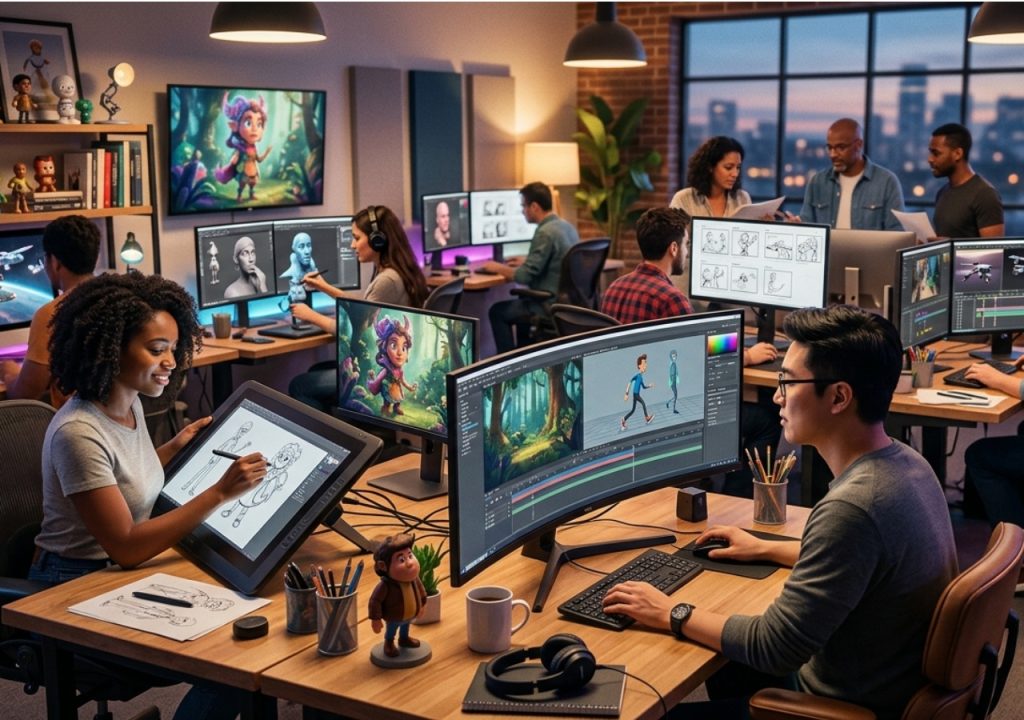
- Autodesk Maya – Industry standard software that includes modeling, texturing, rigging, animation, lighting, and rendering.
- Blender – Open-source tool that supports the full 3D pipeline and 2D animation.
- Autodesk 3ds Max – Powerful tool for modeling and animation, especially for game development and architecture.
- KeyShot – Tools for real-time rendering with adjustable materials and lighting.
- Houdini Apprentice – Free version for learning and personal use, with all core features.
- Adobe After Effects – Used for motion graphics, VFX, basic 3D Animation Services, and compositing.
- Toon Boom Harmony – Handles both 2D and 3D Animation with tools for traditional and digital techniques.
- SketchUp – Web-based tool for architectural modeling with a large library of free 3D models.
Can AI Create 3D Animation Videos?
AI can assist in modeling, animation, rendering, and automating tasks like rigging and texturing. It can speed up production, help create realistic lighting and materials, and reduce the need for manual work. Integration of AI can also boost the security of digital assets and increase production efficiency.
How Long Does the 3D Animation Process Take?
The time required depends on the complexity and skill involved:
- Simple projects: Days to weeks
- Complex projects: Weeks to months
- Feature-length movies: Years
- For a 60-second animation:
- Script Writing: 1–2 weeks
- Storyboarding: 1–2 weeks
- Concept Art & Voiceover: 1–2 weeks
- Modeling: 1–3 weeks
- Rigging & Animation: 1–3 weeks
- Post-Production: 1+ weeks
How Much Does It Cost to Make A 3D Animation?
The cost varies based on software, talent, and project details:
- DIY: Low software costs, stock music, and voiceover fees
- Studio Projects: $5,000–$15,000 per minute for standard or detailed animations
- High-end animations: $15,000+ per minute (features like those in Frozen can cost tens of thousands per second)
Conclusion: Final Thoughts On The 3D Animation Workflow
Creating 3D animation is detailed but rewarding.By understanding the key steps—concept, storyboarding, modeling, animation, lighting, rendering, compositing, and sound—anyone can tell compelling stories and produce high-quality animations. Start with small projects, practice regularly, and gradually move on to more complex tasks to bring your creative ideas to life.
Looking to Create Stunning 3D Animation Videos for Your Business Or Personal Goals?
Whether you are new to this or need 3D Animation Studios in Malaysia or 3D Animation Company. We are here to support you through every step of the animation process.Our team works with industry-leading tools like Autodesk Maya, Blender, and Adobe After Effects to deliver high-quality, visually appealing animations tailored to meet your needs. Consult with us today to begin your animation journey!