
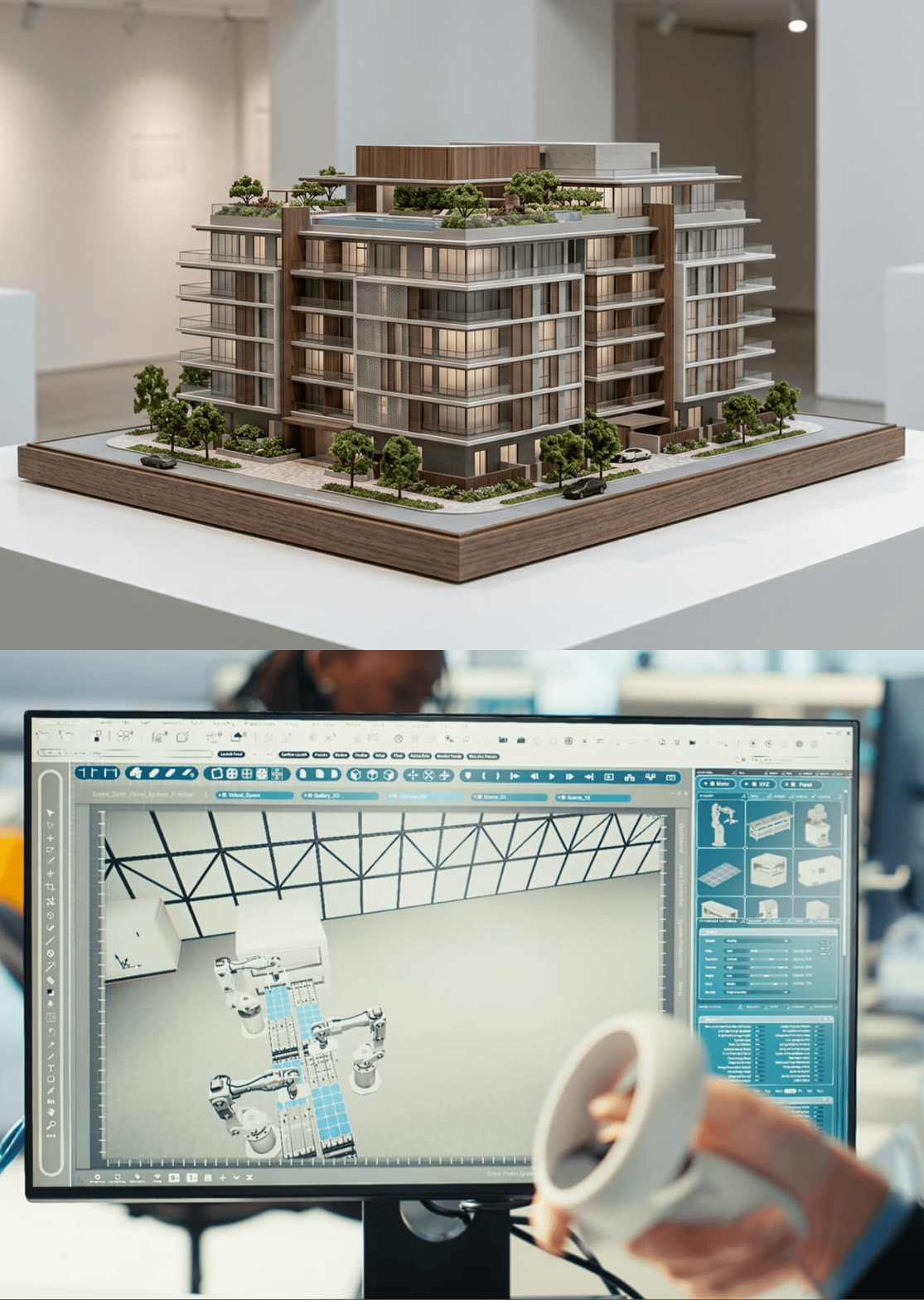
You may be comfortable working with 2D digitally but what about 3D? We look at how you can create things in a 3D space on your computer from finding existing models to building your own. This page aims to provide a good summary of the information and resources you need to begin creating your own 3D Model and to think about how you may be able to use it.
Table of Contents:
An Introduction To 3D Models
Three dimensional (3D) models and environments are used in a wide variety of applications, including video games, CAD (computer-aided design) and 3D printing your own inventions.
They are fundamentally different to 2D (flat) models and images as they have depth, along with height and width. To understand how to create 3D models, it is helpful to recall the key features of 3D shapes studied at school. 3D shapes have faces, formed by vertices (corners) and edges.
3D Modelling Tools
In order to create 3D models you will need to have access to or install a 3D modelling tool. There are often many different options available, which can be very expensive, but you may also find free and open source software (OSS) tools which can be very useful. Note that some of the tools can have a very steep learning curve so it is helpful to pick something simple to begin with to get to grips with the concepts.
The best tool for you will depend on your specific requirements. If you need to design for a specific 3D printing application, it is helpful to pick a CAD (computer-aided design) tool. Alternatively, if you need to make a digital asset for a video game or digital environment, it is best to pick a 3D Modeling tool such as Blender.
Some tools are more focused on CAD (e.g., manufacturing and producing real-life objects) and others are focused on 3D modelling (e.g., making digital assets for video games or film). However, many tools can be used across a range of different 3D design applications.
Start In 2D
When learning how to create 3D models, it is common to need to play around with more complex or curved features to find the right shape you want. To do this, you may find it helpful to start by sketching out the 3D shape you want in 2D first.
You can use a number of different 2D drawing tools to do this including the simple inbuilt paint or sketch tools on your computer, drawing the shapes directly into Microsoft PowerPoint or using a more specialised 2D vector drawing tool such as Inkscape (an open source alternative to Adobe Illustrator).
Using this 2D shape as a basis, you can upload it into some 3D modelling tools such as Microsoft’s 3D builder and Tinkercad, which will attempt to convert the 2D shapes into 3D for you. This can be a useful starting point, particularly if you want to add a range of different 3D objects together to make a more complex structure.
Other Ways Of Getting 3D Models
In addition to making your own 3D objects, you can also find existing 3D assets or scan real-world objects with a 3D scanner.
Finding Existing 3D Assets
Much like images, audio files and video, you can find a range of free to use 3D assets online, which you can use according to the terms and conditions provided by the website. You may wish to use these 3D models to edit (if permitted by the licence) or as a basis for learning how to edit or create your own 3D assets. You can also use them if you are learning or practicing other skills such as animation or game design, so that you don’t need to create everything from scratch.
It is important to note that some sites are more focused towards specific applications of 3D printing including CAD design, video game design or even 3D animation. For example, thingiverse.com is a website focused around 3D printing where users share a range of different 3D models which are suitable for printing.
Getting 3D Models From Scans
Another way of obtaining 3D models is to scan real-world objects using a 3D scanner. It is important to make sure you understand the file formats and the requirements for capturing colour/texture if needed.
What Is 3D Modelling?

What Is 3D Modelling ? Itrefers to the process of creating a digital representation of a physical object or environment using specialised software. It allows designers, engineers, artists, and creators to develop detailed three-dimensional structures that can be used in industries such as manufacturing, entertainment, architecture, and 3D printing.
Modeling 3D
Modeling 3D involves building and modifying digital objects by using different techniques such as shaping, sculpting, and adjusting geometric elements. This process helps create accurate and realistic models that can be used for visualisation, product development, simulations, and other digital applications.
Conclusion
3D modelling has become an essential technology for creating realistic digital objects and environments across various industries. From designing products and developing video game assets to producing prototypes through 3D printing, 3D modelling provides endless creative possibilities for designers and businesses.
Understanding the basics of 3D modelling tools, creating models from scratch, and using existing assets or scanned objects can help beginners develop their skills and explore new opportunities. If you need professional assistance with creating detailed digital models, Reach With Our Team to explore suitable 3D Modelling Solutions for your project.