
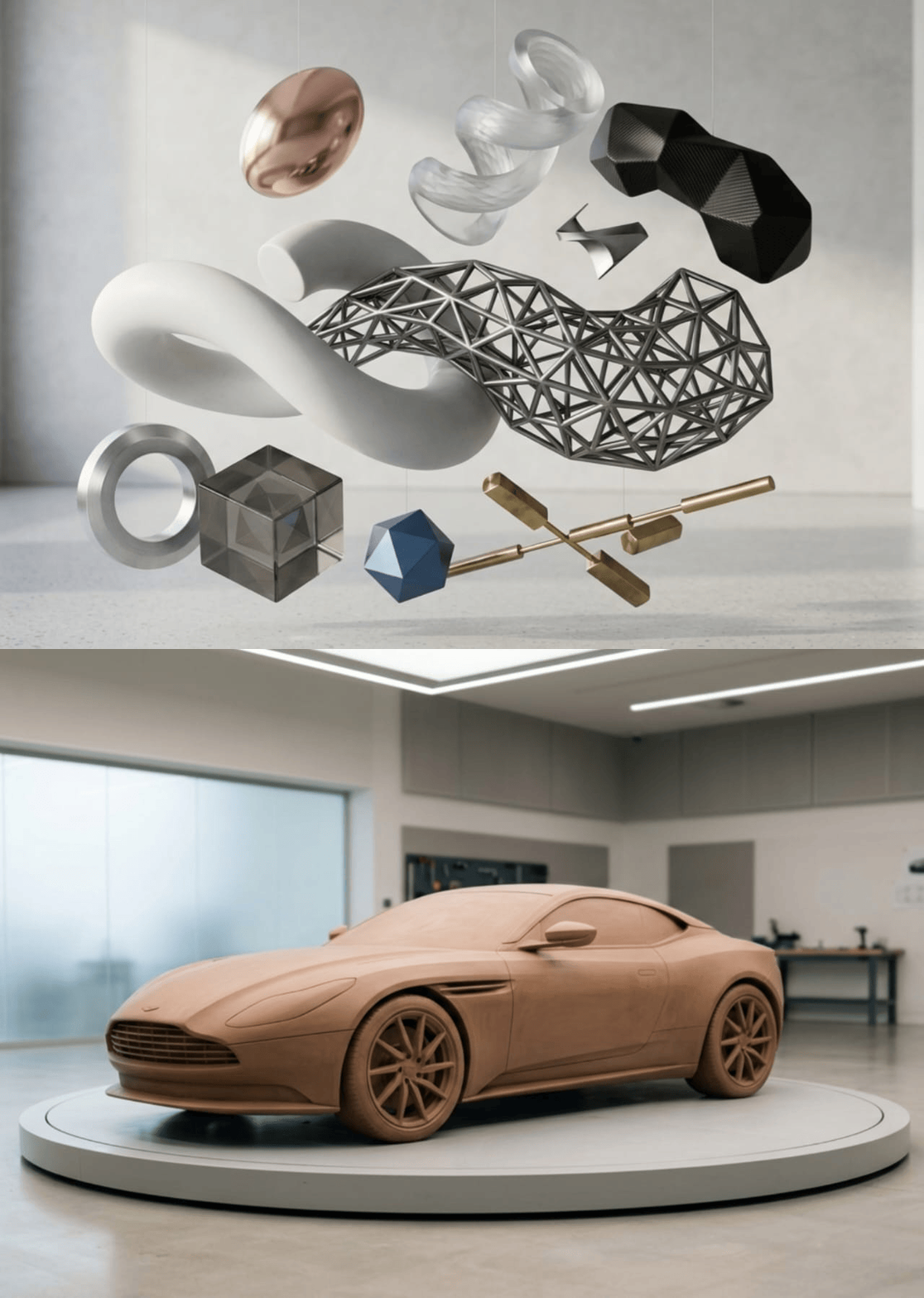
Table of Contents:
What Is a 3D Model?
A 3D Model is a digital representation of an object created using computer-generated geometry. It allows users to visualize, modify, analyze, and simulate real-world objects in a virtual environment.
A 3D Model Character is created by organizing geometric data that defines an object’s shape, dimensions, structure, and appearance. Most models are built using polygon meshes made of vertices, edges, and faces that create detailed surfaces.
The process of converting physical objects into digital forms, known as 3D-ification, is widely used in industries such as architecture, engineering, manufacturing, entertainment, and gaming. These models help professionals test concepts, develop prototypes, and improve workflows before producing physical objects.
Advanced 3D Modeling Techniques
Modern 3D modeling uses different techniques to improve accuracy, flexibility, and efficiency.
| Technique | Description | Application |
| Tessellation | Divides surfaces into smaller sections for detail | Surface refinement |
| Topology | Defines geometry structure | Animation and modeling |
| Parametric Modeling | Uses adjustable parameters for modifications | CAD and engineering |
| Photogrammetry | Creates models from photographs | Reality capture |
| Volumetric Modeling | Represents internal structures | Medical imaging |
These techniques allow 3D models to achieve higher detail and support applications across different industries.
Main Parts of a 3D Model
A 3D model consists of several components that determine its structure, appearance, and functionality.
| Component | Description | Function |
| Vertices | Points positioned in 3D space | Create the model foundation |
| Edges | Lines connecting vertices | Define the framework |
| Faces | Surfaces formed by edges | Create visible shapes |
| Mesh | Collection of polygons | Forms the complete object |
Vertices, Edges, and Faces
Vertices are the basic points that define the position of a 3D object. When connected, they create edges that form the model framework and influence its topology.
Faces are created when edges connect to form surfaces. They determine the appearance of the object and how light interacts with the model.
| Face Type | Description | Common Use |
| Triangle | Three connected vertices | Games and real-time rendering |
| Quad | Four connected vertices | Animation and subdivision modeling |
| N-gon | Five or more vertices | Concept and general modeling |
Together, these elements create the mesh structure that defines the final 3D Model Images.
Mesh, Texture Maps, and Materials
Mesh Structure
A mesh is a collection of polygons that forms the shape of a 3D model. High-poly meshes provide detailed surfaces for realistic visuals, while low-poly meshes reduce complexity for better performance in games, VR, and real-time applications.
Texture Maps
Texture maps add surface details without increasing polygon count. They improve realism by controlling colors, patterns, reflections, and surface depth.
| Texture Map | Purpose |
| Diffuse Map | Controls base colors and patterns |
| Normal Map | Simulates surface details |
| Specular Map | Controls reflections |
| Bump Map | Creates surface depth effects |
Materials
Materials control how surfaces interact with light. Properties such as color, roughness, metallic appearance, transparency, and emission help create realistic materials like metal, glass, plastic, and natural surfaces.
Skeleton, UV Mapping, and Level of Detail
Skeleton and Armature
For animated models, a skeleton or armature controls movement. It contains bones, joints, and weight information that determine how a model moves and deforms during animation.
UV Mapping
UV mapping defines how 2D textures are applied to 3D surfaces. Proper UV mapping prevents stretching and improves texture quality.
| UV Technique | Best Use |
| Planar Projection | Flat surfaces |
| Cylindrical Projection | Rounded objects |
| Spherical Projection | Circular objects |
| Box Projection | Cube-like objects |
Level of Detail (LOD)
LOD systems improve performance by using different versions of a model based on viewing distance.
| LOD Level | Purpose |
| LOD 0 | Highest detail for close viewing |
| LOD 1 | Medium detail |
| LOD 2 | Reduced detail for distant objects |
| LOD 3 | Minimal detail for far objects |
3D Model Geometry: Vertices, Edges, and Faces
3D Model Geometry
The geometry of a 3D model is based on three main elements: vertices, edges, and faces. These components work together to define the structure, shape, and functionality of digital objects.
Vertices define positions in three-dimensional space, edges connect these points to create the framework, and faces form the visible surfaces of the model.
The relationship between these elements follows Euler’s formula:
V – E + F = 2
Where:
- V represents vertices
- E represents edges
- F represents faces
Maintaining proper geometric relationships ensures models remain accurate, efficient, and suitable for different applications.
| Industry | Application |
| Gaming | Character and environment creation |
| Animation | Smooth character deformation |
| Architecture | Digital building visualization |
| Manufacturing | CAD design and production |
| Virtual Reality | Interactive digital environments |
Types of 3D Models
The main types of Character 3D Model include wireframe models, polygon models, NURBS models, and point cloud models. Each type serves different purposes depending on the required accuracy, detail, and application.
Wireframe Models
Wireframe models represent objects using connected points and lines without surfaces. They are mainly used during early design stages to visualize basic structures.
Polygon Models
Polygon models use vertices, edges, and faces to create detailed surfaces. They are widely used in gaming, animation, and digital content creation because they allow artists to create realistic shapes, textures, and complex designs.
NURBS Models
NURBS (Non-Uniform Rational B-Splines) use mathematical curves to create highly accurate and smooth surfaces. They are commonly used in industries requiring precision, such as automotive design, aerospace, and CAD engineering.
Point Cloud Models
Point cloud models are collections of 3D data points captured from real-world objects using technologies such as 3D scanning, LiDAR, and photogrammetry.
They are commonly used for reverse engineering, architecture, quality inspection, and digital preservation because they provide accurate measurements of physical objects.
Uses of 3D Models
3D models are widely used across industries to improve visualization, design processes, and digital experiences. Their ability to recreate real-world objects in a virtual environment makes them valuable for creative, engineering, and technical applications.
Entertainment and Media
In entertainment, 3D Modelling are essential for creating realistic characters, environments, and visual effects. They are widely used in movies, video games, animation, and virtual production to create immersive experiences.
Architecture and Construction
Architects and construction professionals use 3D models to visualize designs, evaluate concepts, and present projects before construction begins. These models improve communication between designers, engineers, and clients.
Manufacturing and Engineering
In manufacturing, 3D models support product development by allowing engineers to design, test, and improve products before creating physical prototypes.
| Industry | Application | Benefits |
| Automotive | Prototype development | Faster improvements and reduced costs |
| Aerospace | Component testing | Better accuracy and safety |
| Medical | Surgical planning | Improved preparation and treatment |
Emerging Technologies
Modern technologies such as Virtual Reality (VR), Augmented Reality (AR), and digital twins rely heavily on 3D models.
Digital twins create virtual versions of physical systems, allowing organizations to monitor performance, analyze data, and predict improvements.
Factors That Determine 3D Model Quality
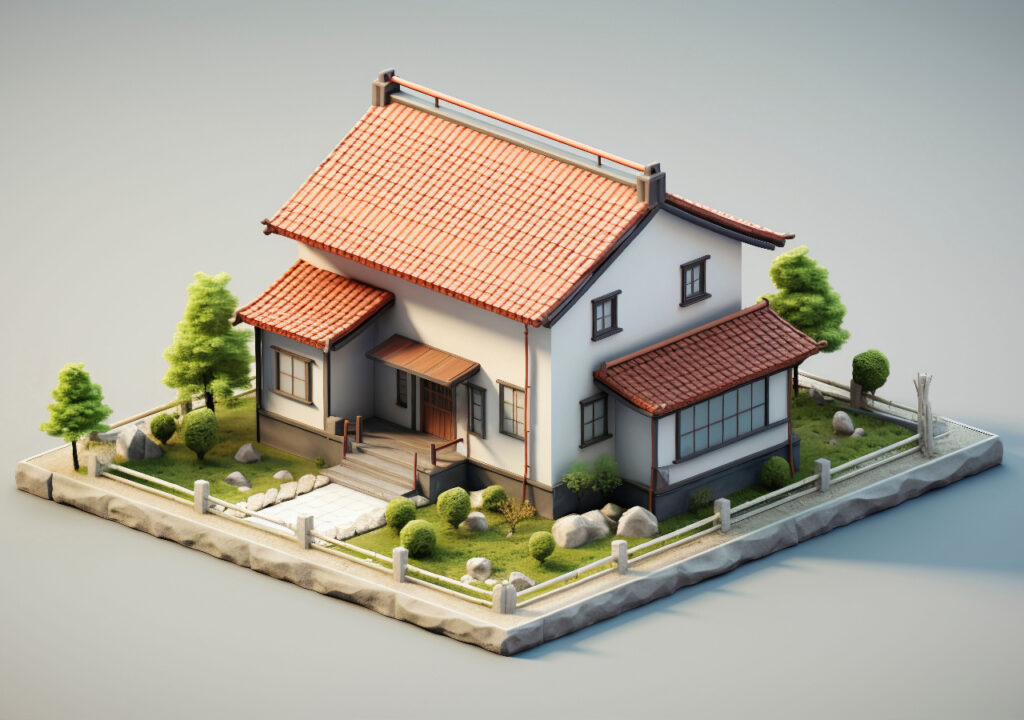
The quality of a 3D model depends on factors such as geometry, textures, optimization, and rendering performance. A high-quality model must balance realistic appearance with efficient performance.
Polygon Count and Mesh Quality
Polygon count affects the level of detail and performance of a model. High-poly models provide realistic details but require more processing power, while low-poly models improve performance for real-time applications.
Clean topology is also important because it ensures smoother animation, better deformation, and efficient rendering.
Texture Resolution
Texture resolution determines the level of surface detail and realism.
| Resolution | Common Use |
| 1K (1024×1024) | Mobile and simple assets |
| 2K (2048×2048) | Standard digital assets |
| 4K (4096×4096) | Professional and cinematic models |
| 8K (8192×8192) | High-end visualization |
File Formats and Optimization
File formats affect compatibility, compression, and workflow efficiency.
| Format | Common Use |
| FBX | Animation and rigging |
| OBJ | Basic geometry and materials |
| glTF | Web and real-time applications |
| Alembic | High-quality geometry storage |
LOD systems further improve performance by automatically switching between different model versions depending on viewing distance.
How Are 3D Models Created?
3D models can be created through computer-based modeling, 3D scanning, and photogrammetry. The chosen method depends on accuracy requirements, complexity, and intended use.
Computer-Based 3D Modeling
3D modeling software such as Autodesk Maya, Blender, and 3ds Max allows designers to create and modify digital objects through polygon modeling, sculpting, and CAD workflows.
Engineering and architecture industries often use parametric modeling, which allows dimensions and designs to be adjusted easily.
3D Scanning and Photogrammetry
3D scanning captures real-world objects and converts them into digital models using technologies such as laser scanning, structured light, and LiDAR.
Photogrammetry creates 3D models by combining multiple photographs taken from different angles. These methods are commonly used for reverse engineering, quality inspection, cultural preservation, and reality capture.
Advanced Modeling Techniques
Modern workflows use AI-assisted modeling, automated retopology, optimization tools, and real-time rendering to create detailed models more efficiently.
Supported 3D Modeling Systems by Threedium
Threedium supports various professional 3D modeling platforms, allowing designers and engineers to integrate their preferred software into digital workflows.
Supported systems include Autodesk 3ds Max, Maya, Blender, SketchUp, Cinema 4D, ZBrush, Rhino, SolidWorks, and Fusion 360.
| Software | Main Capability |
| 3ds Max | Polygon modeling, animation, and rendering |
| Maya | Advanced modeling and animation |
| Blender | Open-source modeling and procedural design |
| SketchUp | Architectural modeling |
| Cinema 4D | Motion graphics and procedural workflows |
| ZBrush | High-resolution digital sculpting |
| Rhino | Precision NURBS modeling |
| SolidWorks | Engineering and parametric design |
| Fusion 360 | Cloud-based product development |
Threedium supports common formats such as FBX, OBJ, COLLADA, and glTF, ensuring models maintain their geometry, textures, and materials during conversion.
Conclusion
3D models have become an essential part of modern digital workflows, connecting physical objects with virtual environments. They support industries such as entertainment, architecture, engineering, and manufacturing by improving visualization, testing, and product development.
Understanding 3D model structures, types, creation methods, and quality factors helps designers and businesses create optimized digital assets for different applications. With advancements in AI modeling, digital twins, and real-time rendering, 3D models will continue to play an important role in future digital innovation.Connect with us today.